
Alberto Ponces’s personal site. Experience, projects, skills, education, and contact information live directly on the homepage—there is no downloadable CV.
Run python3 -m http.server 4173 from this directory, then visit
http://localhost:4173. No Node.js dependencies or build step are required.
index.html: content, social links, and search/social metadata.assets/site.css: responsive layout, light/dark themes, and print styles.assets/site.js: optional theme preference and current copyright year.assets/images/profile.jpg: portrait.CNAME: custom GitHub Pages domain; preserved asponces.dev.
The homepage is plain HTML without Jekyll front matter, so GitHub Pages copies it as-is. Existing Jekyll pages and theme files remain untouched for compatibility. The site follows the system color theme until the visitor makes a choice. Core content and navigation work without JavaScript. Fonts use Google Fonts with local system fallbacks.
To publish, review the changes and push them to the repository’s gh-pages
branch using the existing GitHub Pages setup. Removing the PDF stops serving it
in future deployments; it does not remove copies from Git history or caches.
The following documentation belongs to the original Indigo theme, which is still used by the legacy Jekyll pages, not by the new homepage.
Indigo Minimalist Jekyll Template - Demo
This is a simple and minimalist template for Jekyll for those who likes to eat noodles.
What has inside | Setup | Settings | How to
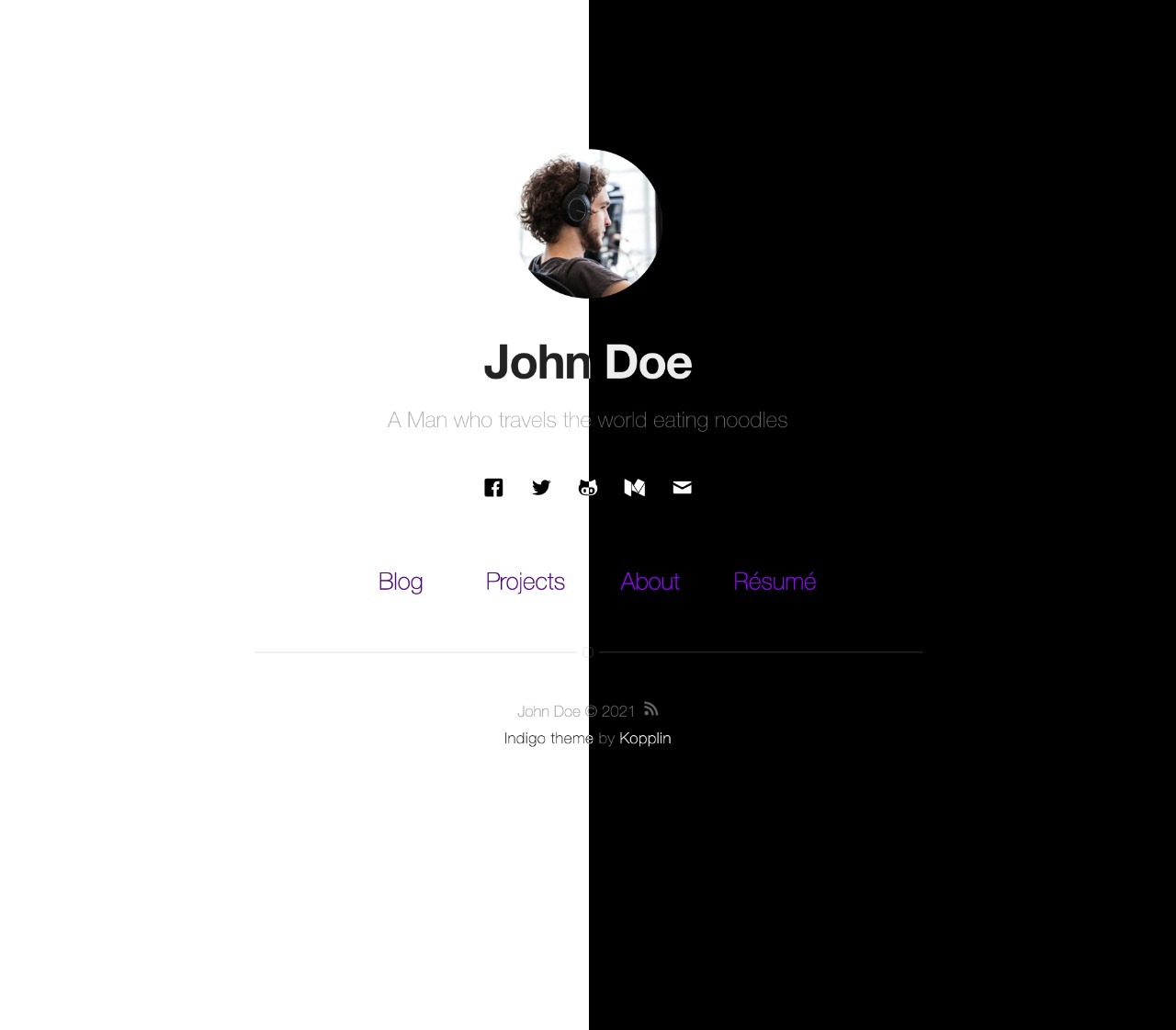
Light and Dark themes.
- ⭐ to the project. 🤘
- Fork the project Indigo
- Edit
_config.ymlwith your data (check settings section) - Write some posts

If you want to test locally on your machine, do the following steps also:
- Install Jekyll and Bundler.
- Clone the forked repo on your machine
- Enter the cloned folder via terminal and run
bundle install - Then run
bundle exec jekyll serve - Open it in your browser:
http://localhost:4000 - Do you want an admin panel to edit your posts? You can install this plugin jekyll-admin.
You must fill some informations on _config.yml to customize your site.
name: John Doe
bio: 'A Man who travels the world eating noodles'
picture: 'assets/images/profile.jpg'
...

and lot of other options, like width, projects, pages, read-time, tags, related posts, animations, multiple-authors, etc.
Check the FAQ if you have any doubt or problem.
MIT License © Sérgio Kopplin