


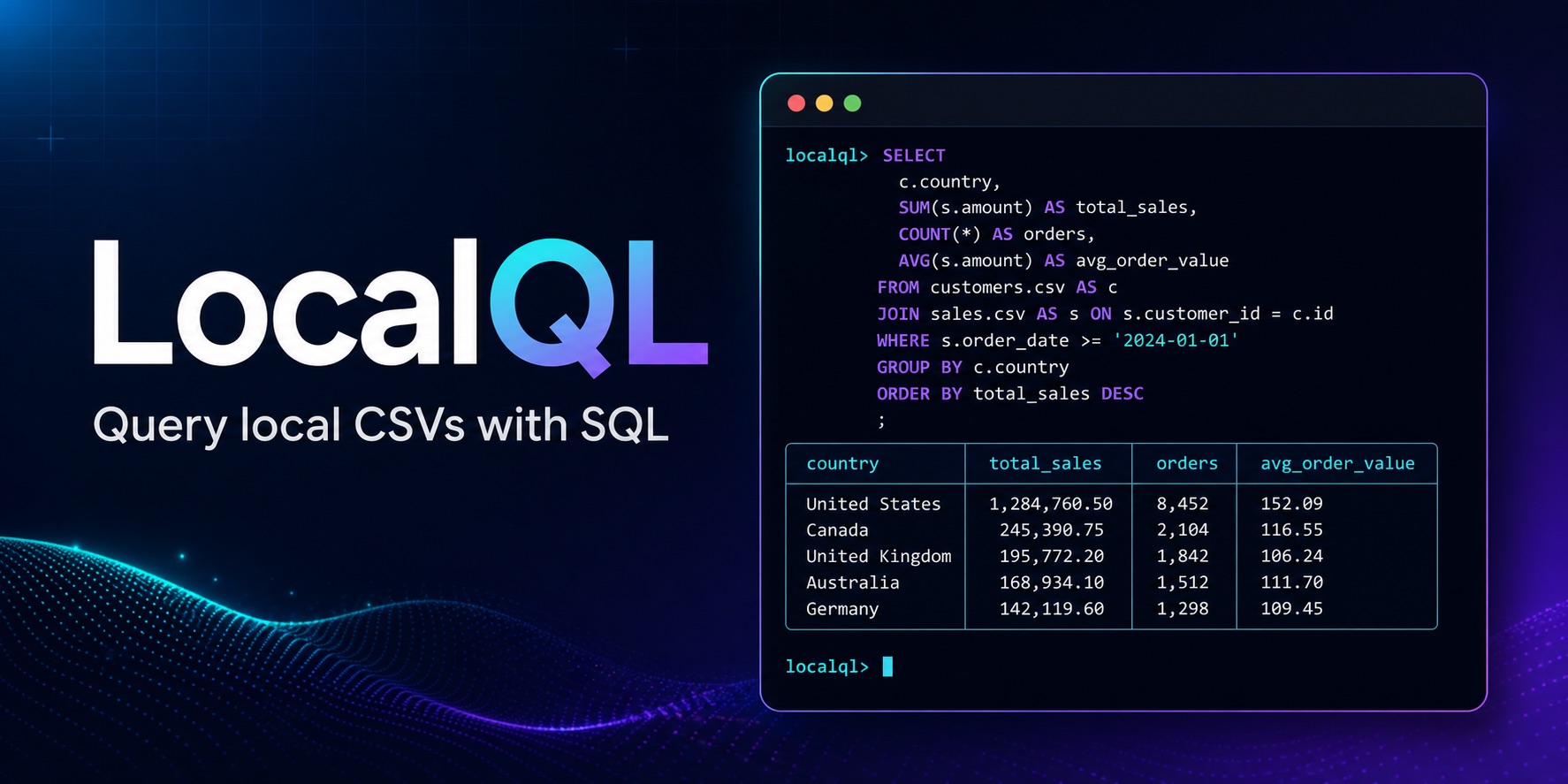
LocalQL is a DuckDB-powered tool for querying local CSV, Parquet, JSON, NDJSON,
and Excel .xlsx sources with SQL. Install the localql package to use the
csvql command, organize repeatable work in a .csvql.yml project catalog,
export results, and optionally work in the LocalQL Workbench.
- Install and first query
- Supported sources and outputs
- Result behavior
- Optional LocalQL Workbench
- Compatibility and safety
- Core workflows
- Get help and stay current
Install the core command in your selected Python environment:
python -m pip install localql
csvql --version
To try a query, create a small CSV in the directory where you are working:
python -c "from pathlib import Path; Path('orders.csv').write_text('order_id,status\nORD-1,paid\nORD-2,pending\nORD-3,paid\n', encoding='utf-8')"
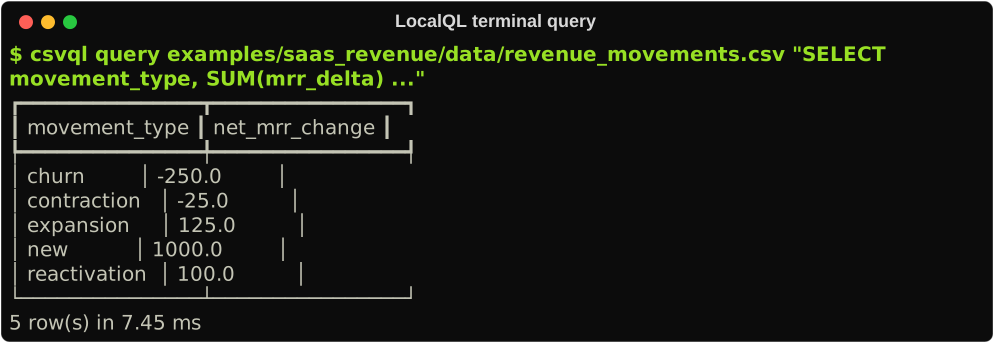
csvql query orders.csv "SELECT * FROM orders LIMIT 5"
The file name becomes the SQL table name, so orders.csv is available as
orders. A successful command prints a table with the CSV rows. See
Getting started
for other source formats, project catalogs, saved SQL, and exports.
| Capability | Available in LocalQL 1.2.0 |
|---|---|
| Query sources | CSV, Parquet, JSON, NDJSON, and Excel .xlsx |
| Complete result exports | CSV, JSON envelope, NDJSON, Parquet, Excel .xlsx, Markdown, and text |
| User surfaces | CLI, .csvql.yml project catalogs, Python API, and LocalQL Workbench |
One query can join sources from different providers. Source selection remains deterministic across every surface, and explicit provider options carry the same meaning everywhere. See Getting started for a guided workflow and the v1.2.0 benchmark snapshot for measured end-to-end export evidence.
LocalQL keeps interactive output responsive without changing complete-result
contracts. csvql query and csvql run table output retains up to 1,000 rows
by default; --limit changes that table-preview bound. Query/run JSON output,
Python API results, and csvql export remain complete.
The Workbench follows the same split: Results shows a bounded preview while export and save use the preserved complete result when session capacity is available.
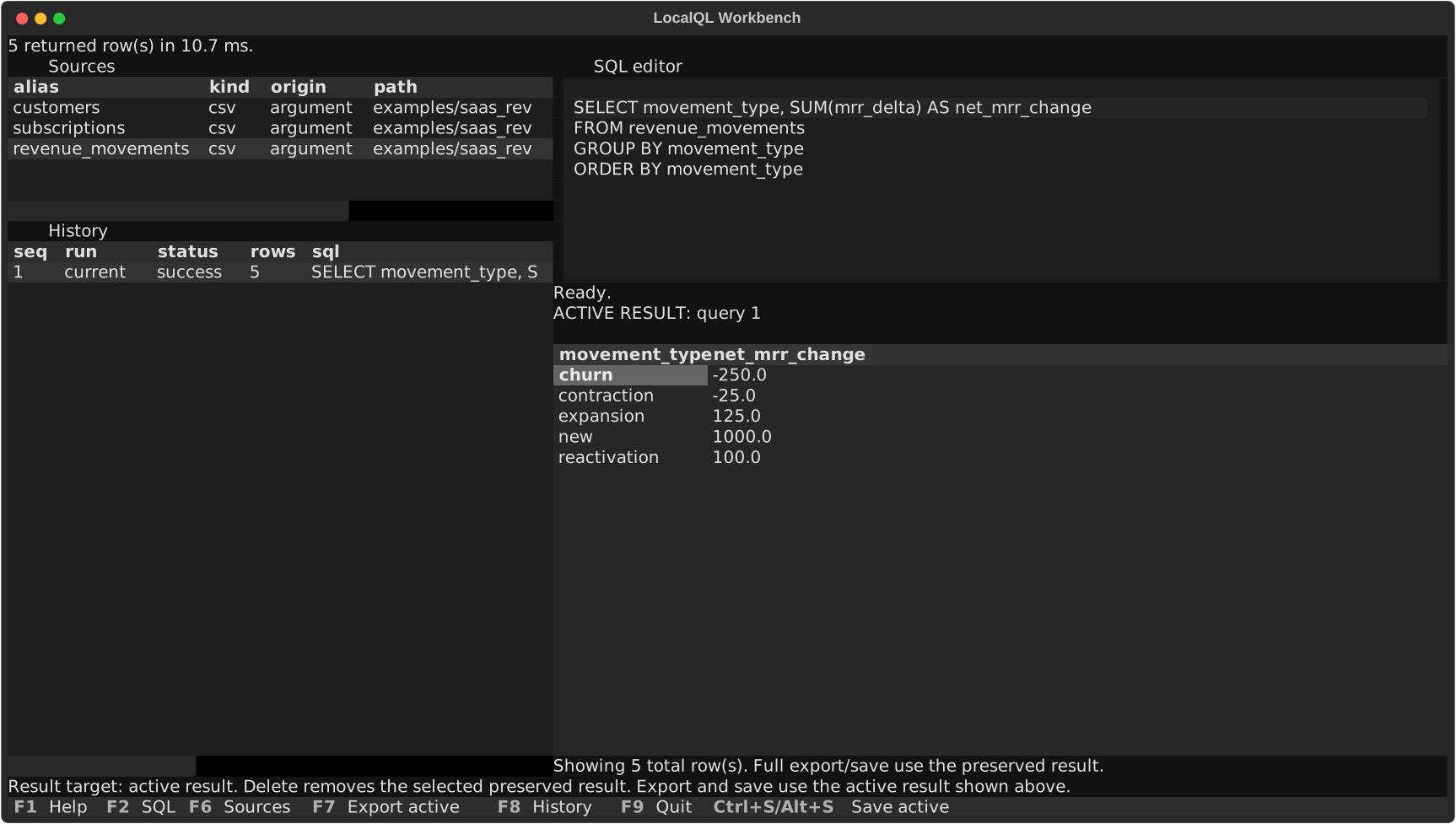
The core CLI needs only localql. Install the optional Textual-based Workbench
when you want a source list, SQL editor, results, and history in one terminal
application:
python -m pip install "localql[tui]"
csvql menu orders.csv
You can also start with csvql menu and run source-free SQL such as SELECT 1
before loading any sources. In the Sources pane, press a to add structured
source intent with an explicit type and provider options.
All core commands remain available without the extra. See the Workbench guide for keys and source-management actions.
LocalQL supports Python 3.11 through 3.14 on macOS, Linux, and Windows.
LocalQL treats user-authored SQL as trusted local DuckDB SQL. It does not sandbox DuckDB or restrict filesystem access. Run only SQL you trust.
Source selection is deterministic. An explicit --type wins, a recognized
extension selects one provider, and an extensionless file or directory that
could match a provider requires an explicit choice. Bounded identification
produces evidence and guidance; it never silently chooses between candidates.
| When you want to… | Start here |
|---|---|
| Query a local source or join named tables | CLI reference |
| Follow a multi-format query and export workflow | Getting started |
| Reuse a project catalog and saved SQL | Project catalogs |
| Inspect, sample, or profile a source | Inspect, sample, and profile |
| Export a result or reuse it as a CSV source | Save and reuse results |
| Work interactively with sources and results | Workbench guide |
| Review measured multi-format export evidence | v1.2.0 benchmarks |
| Check configured data-quality rules | Data-quality checks |
DuckDB executes SQL and relational operations; LocalQL manages deterministic source selection, local table aliases, project configuration, output, and explicit exports.