


Cloud Commander a file manager for the web with console and editor.

npm i cloudcmd -g
For starting just type in console:
cloudcmdOpen url http://localhost:8000 in browser.
You will see something similar to this.
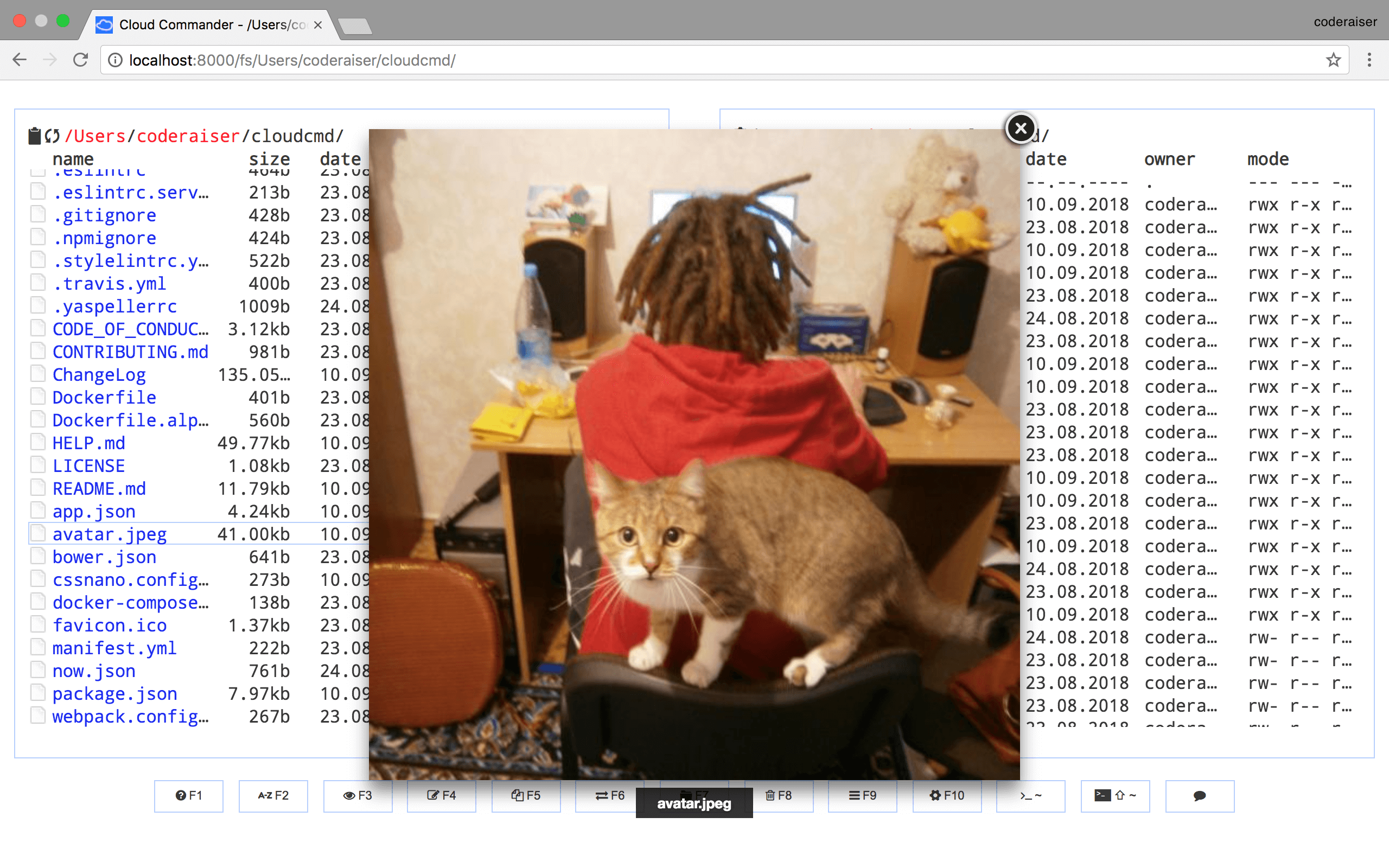
Cloud Commander could be used as middleware for node.js applications based on socket.io and express:
Init package.json:
npm init -y
Install dependencies:
npm i cloudcmd express socket.io -S
And create index.js:
import http from 'node:http';
import {cloudcmd} from 'cloudcmd';
import {Server} from 'socket.io';
import express from 'express';

const app = express();

const port = 1337;
const prefix = '/';

const server = http.createServer(app);
const socket = new Server(server, {
    path: `${prefix}socket.io`,
});

const config = {
    name: 'cloudcmd :)',
};

const filePicker = {
    data: {
        FilePicker: {
            key: 'key',
        },
    },
};

// override option from json/modules.json
const modules = {
    filePicker,
};

const {
    createConfigManager,
    configPath,
} = cloudcmd;

const configManager = createConfigManager({
    configPath,
});

app.use(prefix, cloudcmd({
    socket, // used by Config, Edit (optional) and Console (required)
    config, // config data (optional)
    modules, // optional
    configManager, // optional
}));

server.listen(port);The docker images are provided for multiple architectures and types. The following list shows all existing images:
| Architecture | Type |
|---|---|
| amd64 | linux |
| arm64 (arm/v8) | linux |
| amd64 | linux-alpine |
| arm64 (arm/v8) | linux-alpine |
Cloud Commander could be used as a docker container this way:
docker run -it --rm -v ~:/root -v /:/mnt/fs -w=/root -p 8000:8000 coderaiser/cloudcmdConfig would be read from home directory, hosts root file system would be mount to /mnt/fs,
8000 port would be exposed to hosts port.
Also you could use docker compose with docker-compose.yml:
version: '2'
services:
  web:
    ports:
      - 8000:8000
    volumes:
      - ~:/root
      - /:/mnt/fs
    image: coderaiser/cloudcmd
When you create this file run:
docker-compose upMore documentation you can find on https://cloudcmd.io/.
There is a lot ways to be involved in Cloud Commander development:
- support project on patreon: https://patreon.com/coderaiser;
- if you find a bug or got idea to share create an issue;
- if you fixed a bug, typo or implemented new feature create pull request;
- if you know languages you can help with site translations;
MIT